

Welcome to the Style Guide. This page is designed to showcase all the typographic styles, formatting elements, and layout patterns available within the theme. It serves as a visual playground for testing the theme's design system, margins, line heights, and typography pairing.
Typography
A complete overview of the People theme's typography system, including headings, paragraphs, inline formatting, links, lists, and editorial quotations.
Heading Level One (H1)
This is a standard paragraph following an H1 heading. It displays the primary paragraph typography including size, line-height, margin, and weight configuration.
Heading Level Two (H2)
This is a standard paragraph following an H2 heading. Notice the spacing above and below headings to ensure high legibility and breathing room.
Heading Level Three (H3)
This is a standard paragraph following an H3 heading. H3 headings are typically used to split sub-sections of a long essay or article.
Heading Level Four (H4)
This is a standard paragraph following an H4 heading. Typically used for secondary elements or sidebar widgets.
Paragraph
Great editorial design should make reading feel effortless. From the first headline to the final sentence, every element should guide readers naturally through the story while giving the content enough space to breathe.
In-line Elements
You can use standard inline HTML markup to emphasize text. For example, you can write bold text to draw attention, italicized text for subtle emphasis, or underlined text. Links should be styled clearly, like this sample hyperlink which has hover transition styles. You can also include inline code blocks for technical reference or highlight key terms with marker highlight.
Blockquotes & Pull Quotes
Blockquotes are used to highlight secondary quotes or block-level references from other sources:
"The journey of a thousand miles begins with a single step. Travel is not just about seeing new places; it is about changing the lens through which we view the world." — Immersive Travel Chronicles
You can also use pull-quotes inside articles to create high-impact editorial callouts that break up text blocks.
Lists
The theme supports both ordered and unordered list layouts with correct spacing and list-style markers.
Unordered List
- Immersive storytelling and cinematic design details.
- Light, dark, and auto system appearance modes.
- Custom layouts for headers, post feeds, and footers.
- Dynamic navigation building and member sign-in widgets.
Ordered List
- Go to Settings → Design in your Ghost Admin panel.
- Choose your preferred font pairing and layout settings.
- Configure your social links under the custom parameters.
- Enjoy your beautiful new publication.
Rich Media & Image Layouts
A thoughtful editorial experience begins with strong visual storytelling.

Gallery
The People theme gallery is designed for visual storytelling, allowing publishers to present multiple images as part of an article or editorial feature while maintaining a clean and responsive layout.
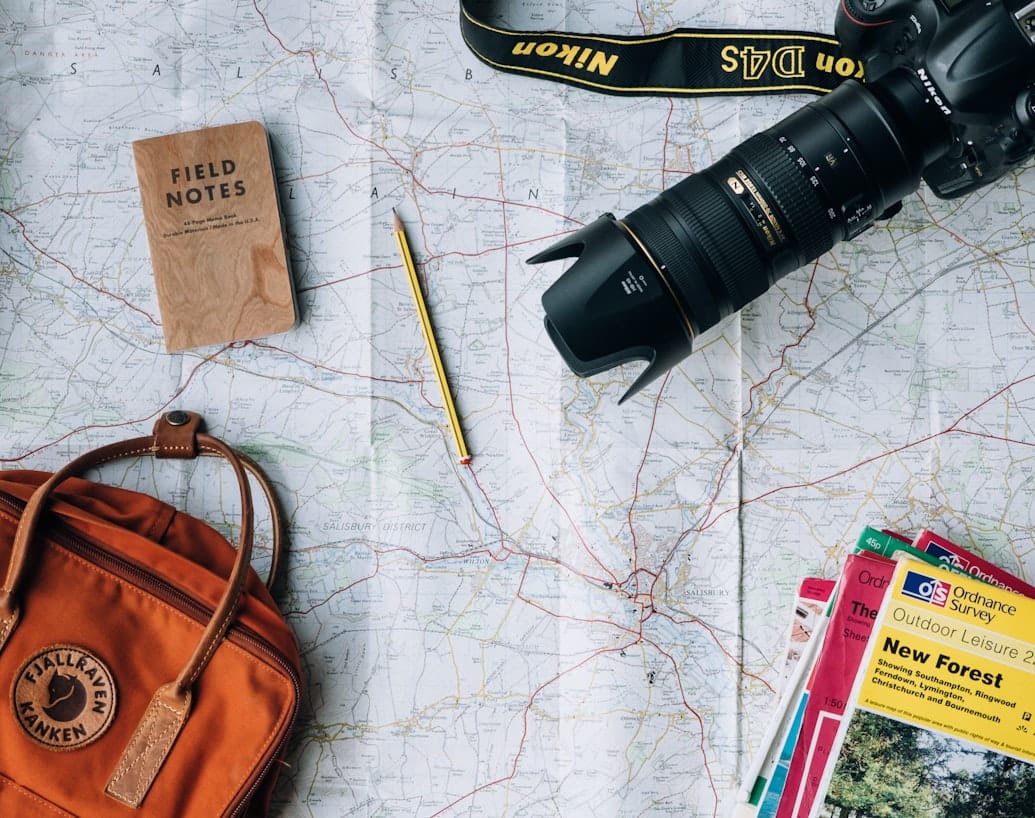

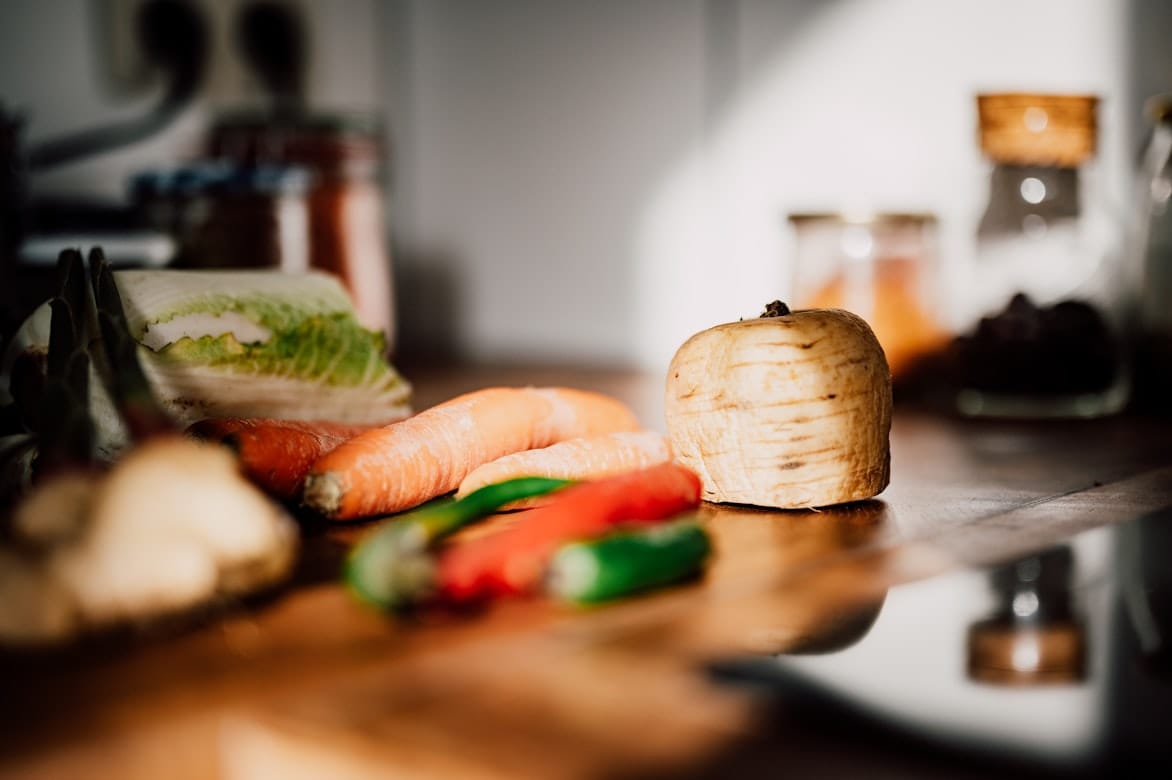
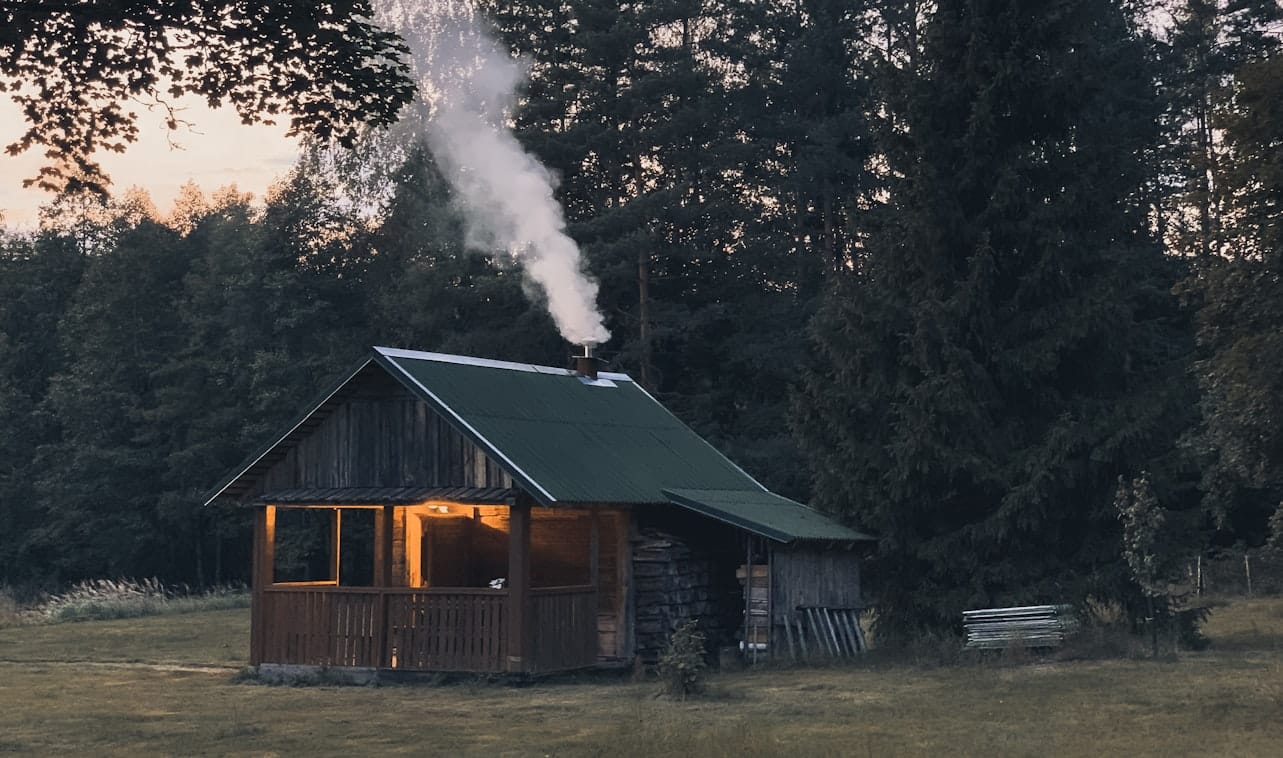
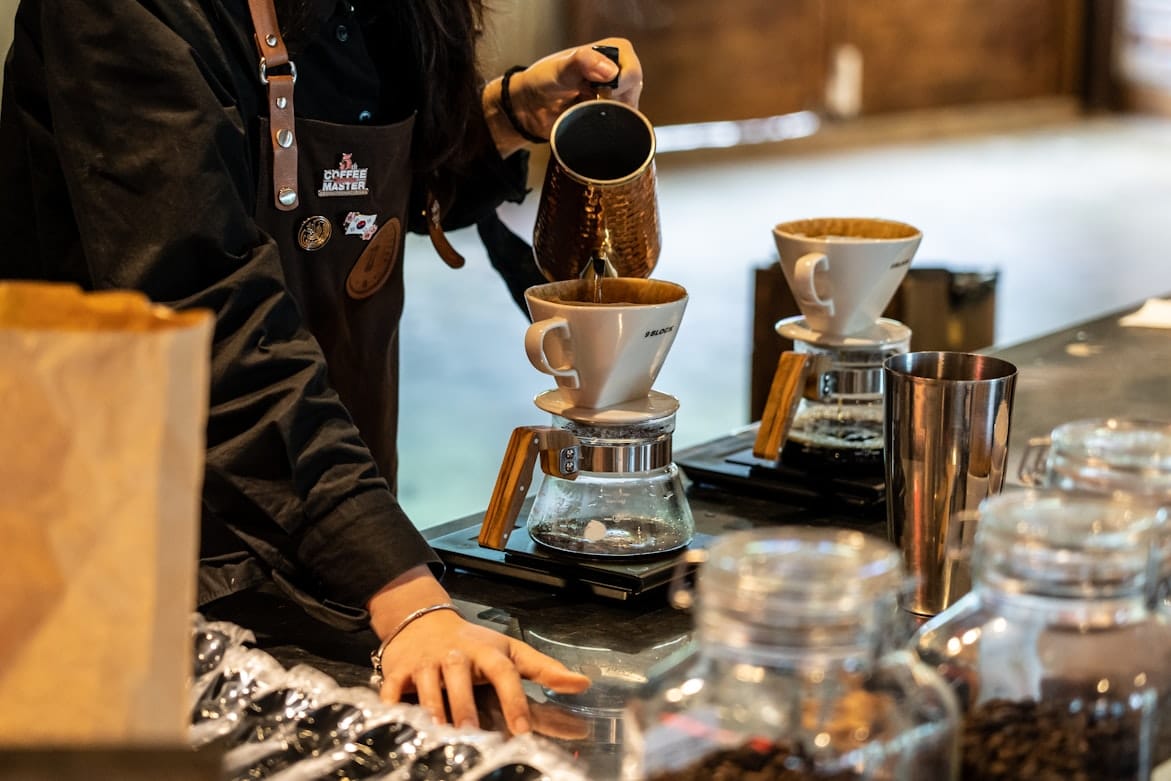
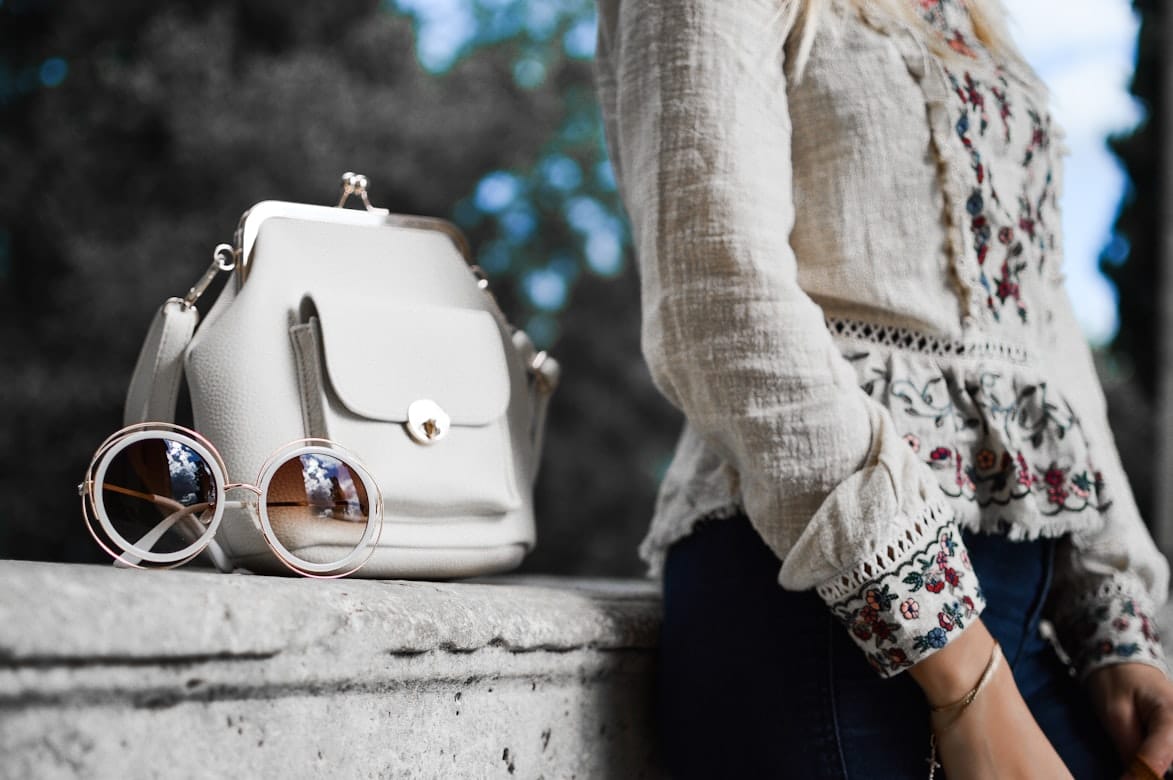
A visual collection exploring the people, places, and everyday moments that shape modern city life.
Markdown
The People theme supports Markdown content for publishers who prefer a lightweight way to structure articles, notes, documentation, and editorial content.
A Simple Editorial Story
Markdown provides a lightweight way to structure content while keeping the writing process focused on the story.
Bold text can highlight important information, while italic text can provide subtle emphasis.
You can also create links to other resources directly within your content.
A Short List
- Editorial storytelling
- Thoughtful typography
- Clear content structure
- Responsive design
A Numbered List
- Discover an interesting idea.
- Research the subject.
- Structure the story.
- Edit for clarity.
- Share it with readers.
Great publishing experiences make complex ideas easier to understand.
Markdown works particularly well for simple, structured content where the writing should remain the focus.
HTML
The HTML card allows publishers to add custom HTML content and third-party embeds when standard Ghost editor cards aren't enough.
Custom HTML Content
This section is rendered using the Ghost HTML card rather than standard editor content.
Custom HTML can be useful for advanced publishing requirements, third-party integrations, and custom content elements.
Learn more about GhostButton
Buttons provide clear actions within editorial content, helping readers discover related stories, explore sections, join the publication, or take the next step.
Call to Action
The Call to Action card helps publishers create focused promotional sections for memberships, newsletters, premium content, featured stories, and other important reader actions.
Join People for thoughtful stories, inspiring ideas, and carefully curated features covering culture, travel, food, fashion, business, and modern life.
Callout
Callouts highlight important information, editorial notes, tips, warnings, or supporting details without interrupting the main reading flow.
The People editorial team selects stories that offer useful ideas, thoughtful perspectives, and fresh inspiration for modern life.
Header
The Header card creates a visually prominent editorial introduction with a heading, supporting text, and optional imagery. It can be used for featured stories, campaigns, landing sections, or important editorial announcements.
Stories That Shape Modern Life
Thoughtful perspectives on culture, travel, food, fashion, business, and the people behind the ideas that matter.
Explore People
Discover Stories Worth Reading
From emerging ideas to timeless style, explore the stories, people, and perspectives shaping the world around us.
Stories That Shape Modern Life
Thoughtful perspectives on culture, travel, food, fashion, business, and the people behind the ideas that matter.
Toggle
Toggle sections allow publishers to hide supporting information behind expandable headings, keeping long-form content organized while giving readers control over what they want to explore.
What makes the People theme different?
People is designed as a modern editorial Ghost theme with a strong focus on typography, visual storytelling, flexible layouts, memberships, and a comfortable reading experience. It is suitable for magazines, lifestyle publications, blogs, and content-driven websites.
Who is the People theme designed for?
People is suitable for publishers, independent writers, magazines, lifestyle websites, editorial brands, and creators who want a polished publishing experience without sacrificing flexibility or performance.